Nature of Code 1.5 Unit Vector — Blender Implementation
This series implements Nature of Code specifically using Blender's node-based approach.
Using a Blender plugin called Sverchok — a powerful node-based plugin. No Python code needed, just "connect the dots" like MaxMSP and TouchDesigner to implement program logic.
Previous sections:
- Nature of Code 1.1 Vectors — Blender Implementation
- Nature of Code 1.2 Vector Addition — Blender Implementation
- Nature of Code 1.3 Vector Multiplication and Randomness — Blender Implementation
This article implements NoC 1.5 in Blender — Unit Vector (Normalize).
Nature of Code section URL: https://thecodingtrain.com/learning/nature-of-code/1.5-unit-vector.html
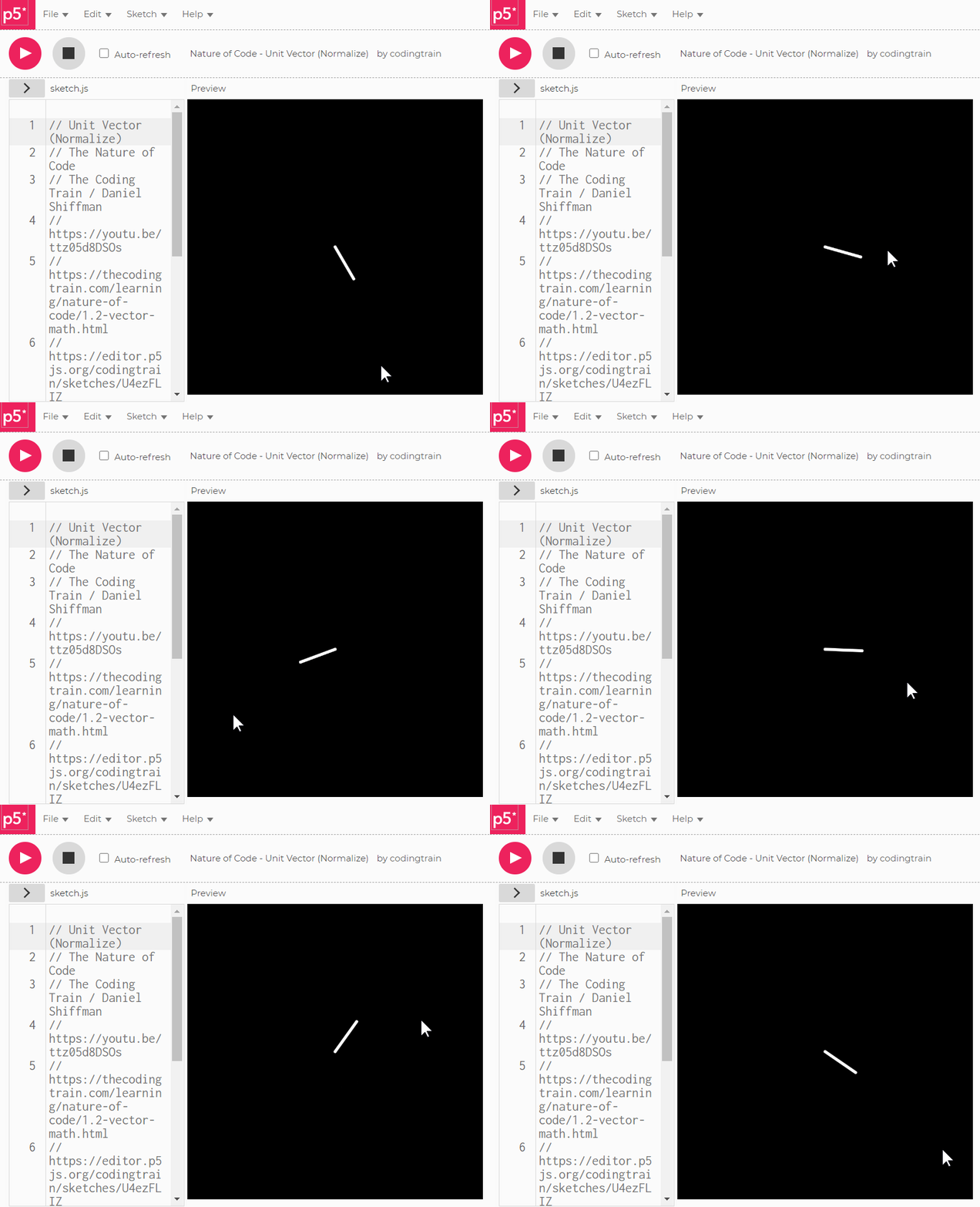
NoC 1.5 p5.js original
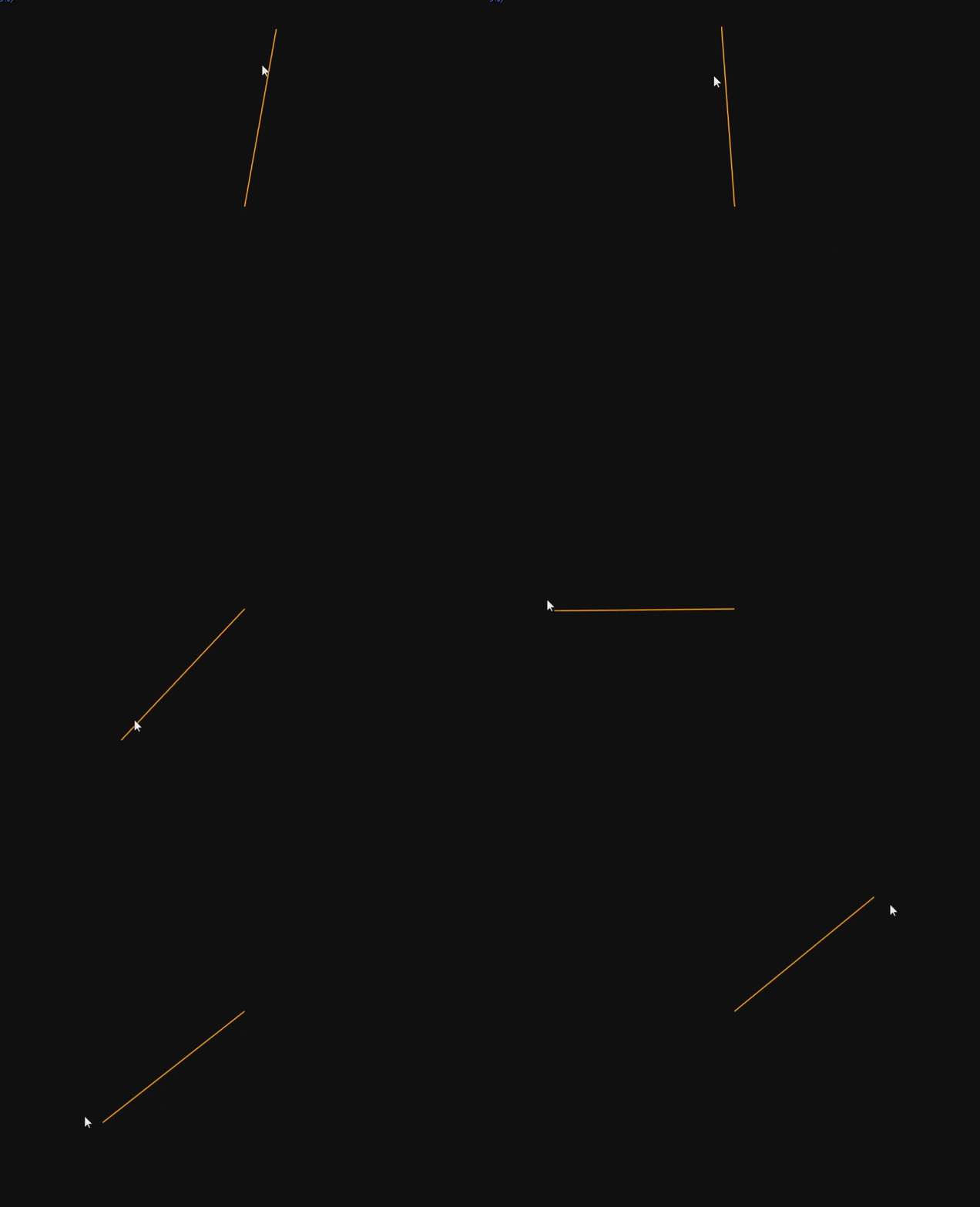
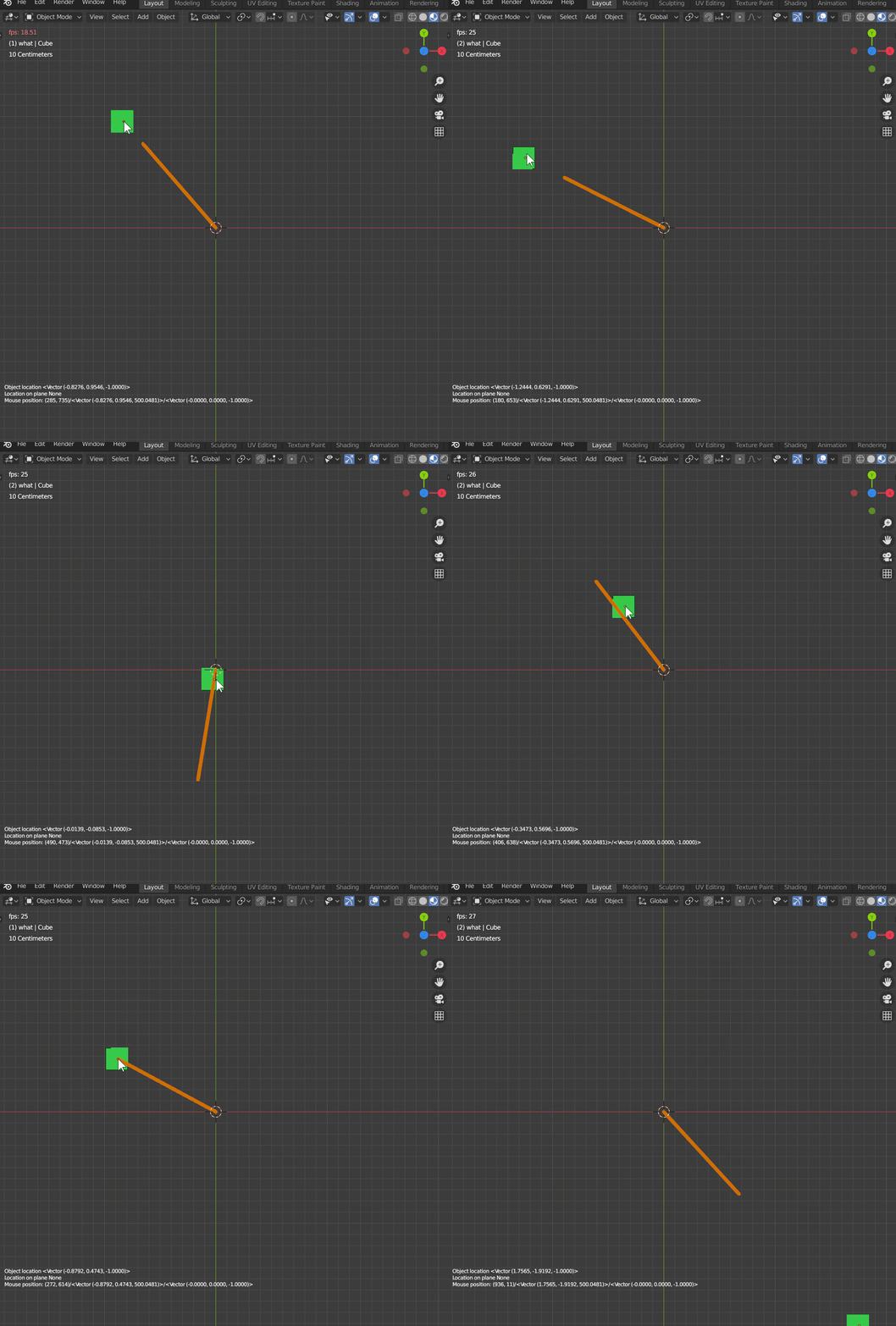
NoC 1.5, Blender version (this article)
Plugin download: https://github.com/nortikin/sverchok
Plugin documentation: https://sverchok.readthedocs.io/en/latest/installation.html
Full creation process video:
(Source code is included in the video — just pause to see it.)
https://www.bilibili.com/video/BV1m54y1C7Bc
https://www.youtube.com/watch?v=ze2COEuRJEw&list=PLc29R_yef6kEwEDbzPEK5R8vyIgQxKKzu&index=4
Tips
- Open the source file and run the Python script;
- Set the rotation center (Line start point) position, defaults to (0, 0);
- Press "F3", search for "Simple Modal View3D Operator" and press Enter;
- The orthogonally transformed Line follows the mouse.
The full creation process is included in the video. Combined with the mouse-following article, follow along patiently to implement it.
References
- Nature of Code section URL: https://thecodingtrain.com/learning/nature-of-code/1.5-unit-vector.html
- Blender Python script for mouse-following effect
- Mouse-following reference: https://blender.stackexchange.com/questions/150267/how-to-move-object-while-tracking-to-mouse-cursor-with-a-modal-operator
Talk is cheap. Show me the code!
The full creation process is included in the video. For source files, join the code2art Intelligence Center.
Follow us on social media: code2art
Community resources & courses: https://ghc.h5.xeknow.com/s/hzkMX
code2art Intelligence Center (membership): https://ghc.h5.xeknow.com/s/2BCFuJ
Cheers🍻
Contra