Unity Trigonometric Function Visualization

The [Coding Druid] series is my cross-platform programming practice notes. Each episode focuses on a theme (math, physics, electronics, graphics, sound...), implemented in several programming languages. Leveling up warrior, mage, healer, and rogue simultaneously — tanking, DPSing, healing, and escaping all at once.
Coding Druid - Math Chapter - Trigonometric Function Visualization: Unity Implementation
In the previous three sections, we visualized trigonometric functions (sine and unit circle) using MaxMSP, JavaScript, and Python:
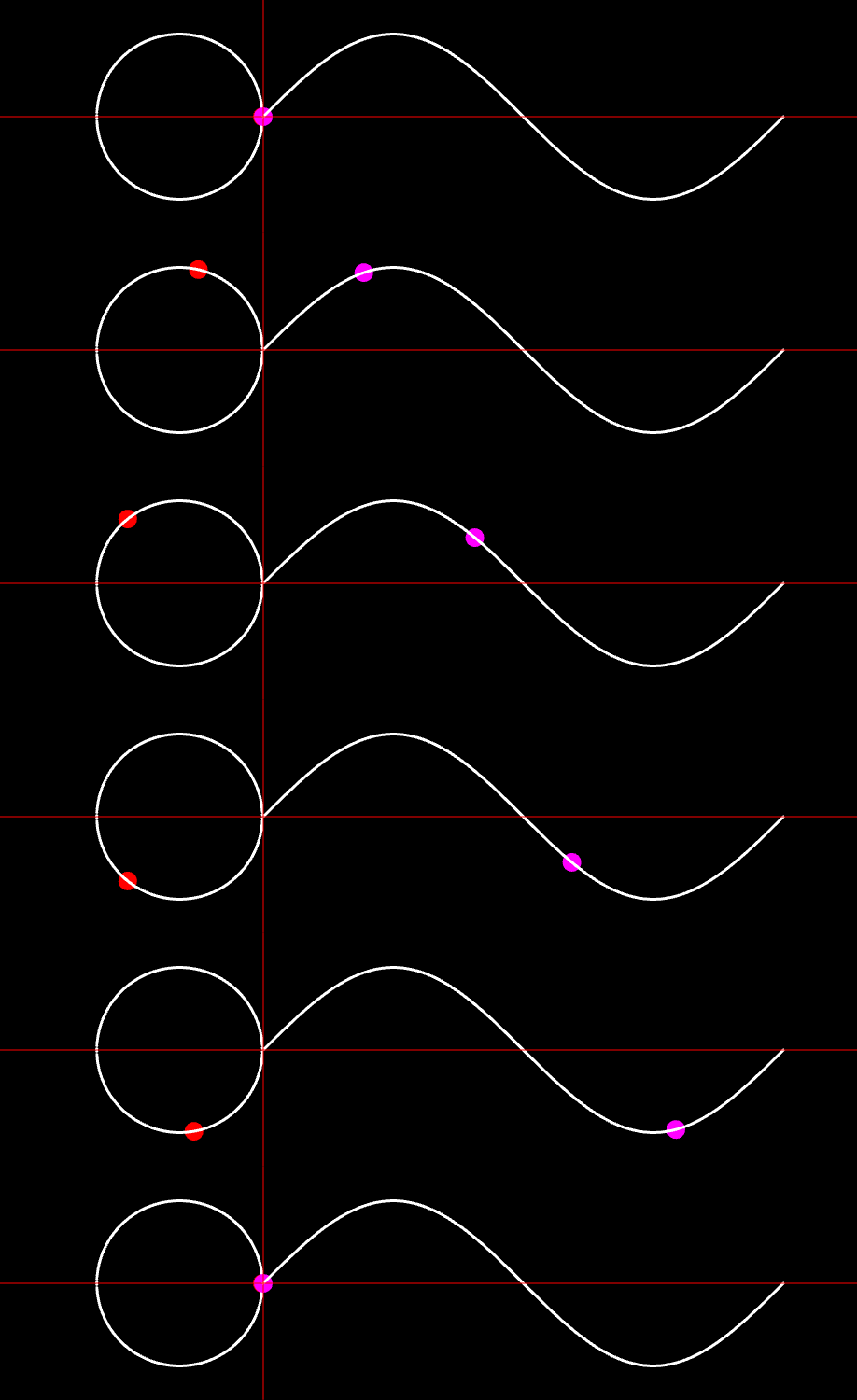
[Coding Druid - Math Chapter] MaxMSP Trigonometric Function Visualization
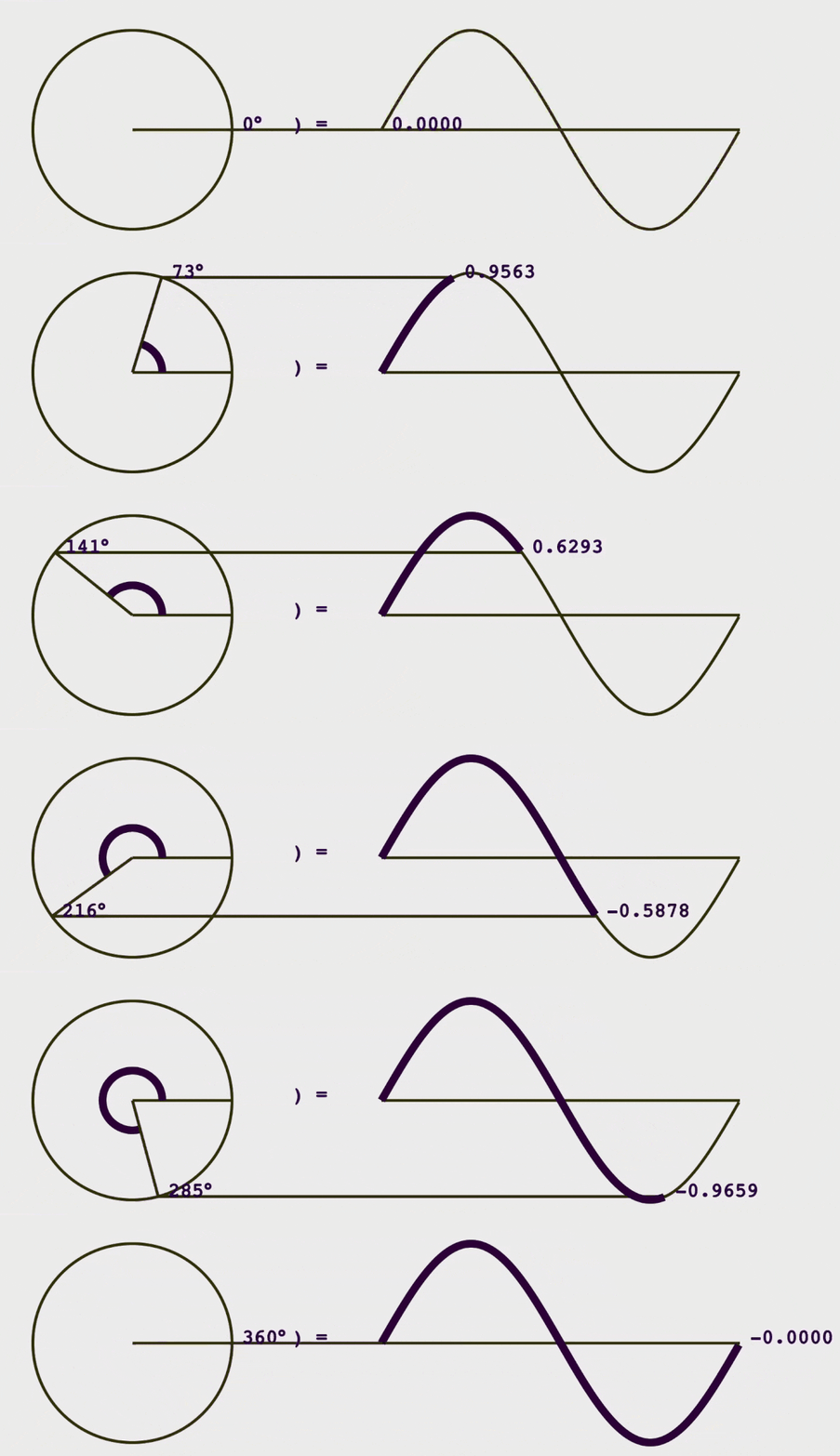
[Coding Druid - Math Chapter] JavaScript (React) Trigonometric Function Visualization
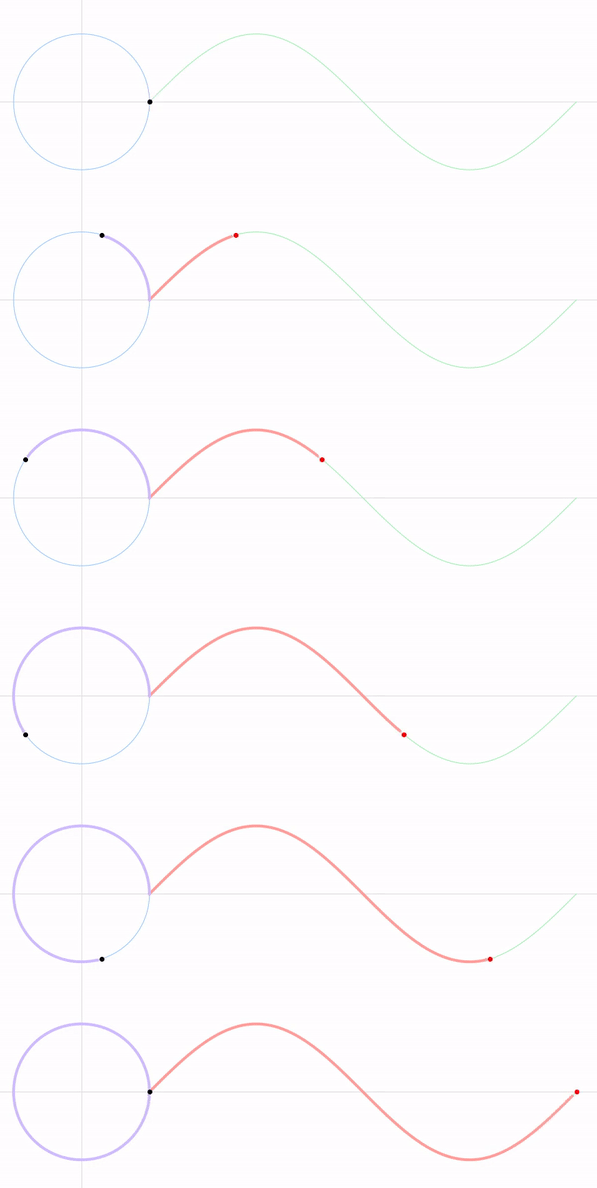
[Coding Druid - Math Chapter] Python Trigonometric Function Visualization
This time we'll implement it in Unity.
The previous Python version used the data visualization library Matplotlib. For Unity, we won't use such a library — we'll draw directly using trig function algorithms.
First, let's get a dot moving along a Sine function curve.
Place a Sphere in the scene, increment its position.x uniformly, and set position.y = sin(position.x).
Vector3 posSine = sphere.localPosition; posSine.x += speed; posSine.y = Mathf.Sin(posSine.x); sphere.localPosition = posSine;

Next, draw a sphere moving along the unit circle.
Note: set the unit circle radius to 1 and the Sine period length to 2Pi, so the unit circle and Sine share the same coordinate system.
Circle drawing formula:
sphere's x = cos(t); sphere's y = sin(t);
Here, t is actually the Sine's x from the previous step. Then shift the circle center to the left so the unit circle's starting point aligns with Sine's starting point.
Vector3 posCircle = posSine; posCircle.x = Mathf.Cos(posSine.x) - 1f; posCircle.y = Mathf.Sin(posSine.x); circleDot.localPosition = posCircle;

Combined together:

In previous sections, we manually drew the path trajectories for clarity, like in the Python version:
In Unity, let's take a shortcut — just add Trail Renderer to both spheres for automatic trails.
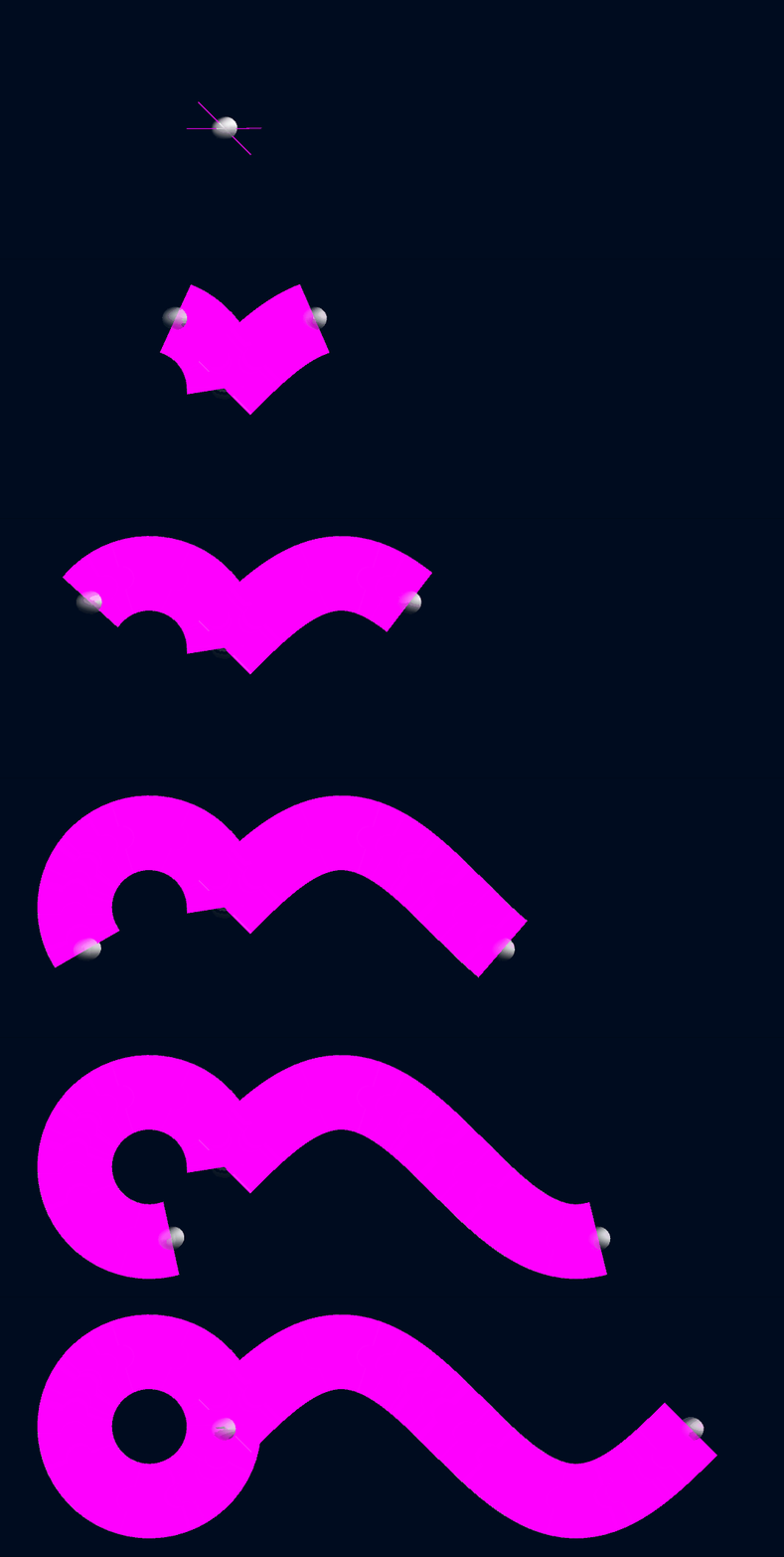
The default trail is a bit... gloriously chunky...
Let's fix that. Search for trail in the Assets Store and find a nice free trail effect:
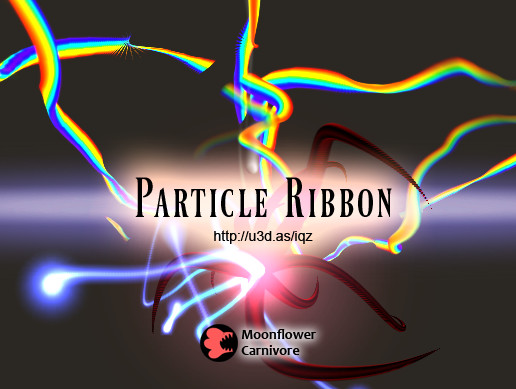
After installation, pick a material that catches your eye:
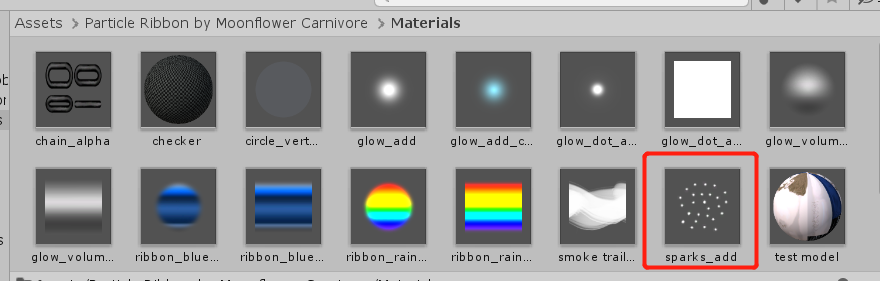
Attach the material to the Trail.
Final result:
Note: In the published source code, I added the Trail Renderer to an empty GameObject that moves with the sphere, rather than directly on the sphere. No special reason — just a Unity newcomer doing practice.
Reference: Building a Graph Visualizing Math
Talk is cheap. Show me the code!
The code for this and most of the [Coding Druid] series is open-sourced here: https://github.com/avantcontra/coding-druid
Follow us on social media: code2art
Community resources & courses: https://ghc.h5.xeknow.com/s/hzkMX
code2art Intelligence Center (membership): https://ghc.h5.xeknow.com/s/2BCFuJ
Cheers🍻
Contra