Blender Python Fourier Series Visualization
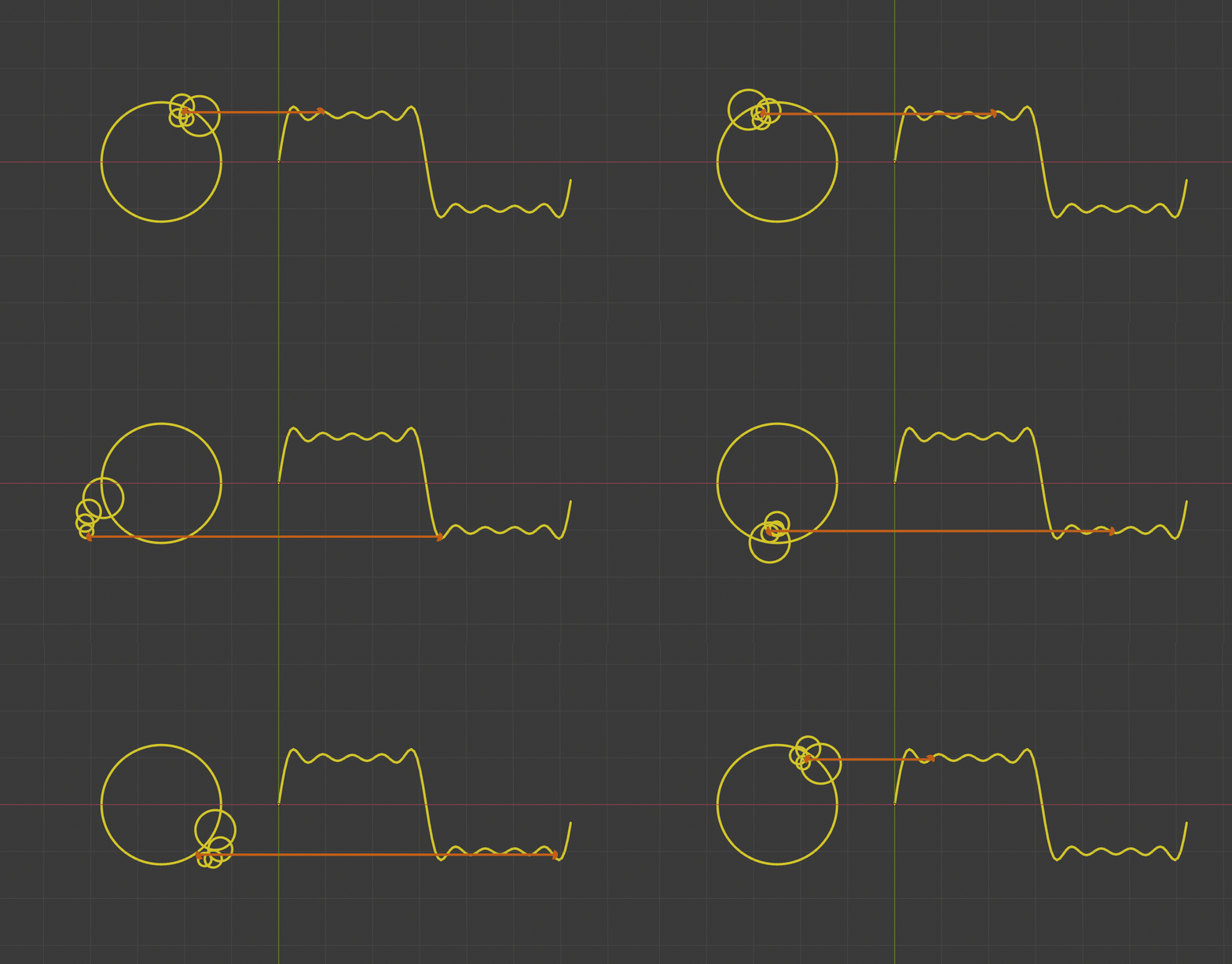
Result of this article:
Preface to the preface: If your skill points went into Python, congratulations — Python has caught the AI wave. And if you also happen to want to do Creative Programming, don't worry that most tutorials out there focus on Processing, Unity, OpenFrameworks, vvvv, etc. — Python is still the way to go.
Preface: The [Coding Druid] series is my cross-platform programming practice notes. Each episode focuses on a theme (math, physics, electronics, graphics, sound...), implemented in several programming languages. Leveling up warrior, mage, healer, and rogue simultaneously — tanking, DPSing, healing, and escaping all at once.
Coding Druid - Math Chapter - Fourier Series Visualization
Blender + Python Implementation
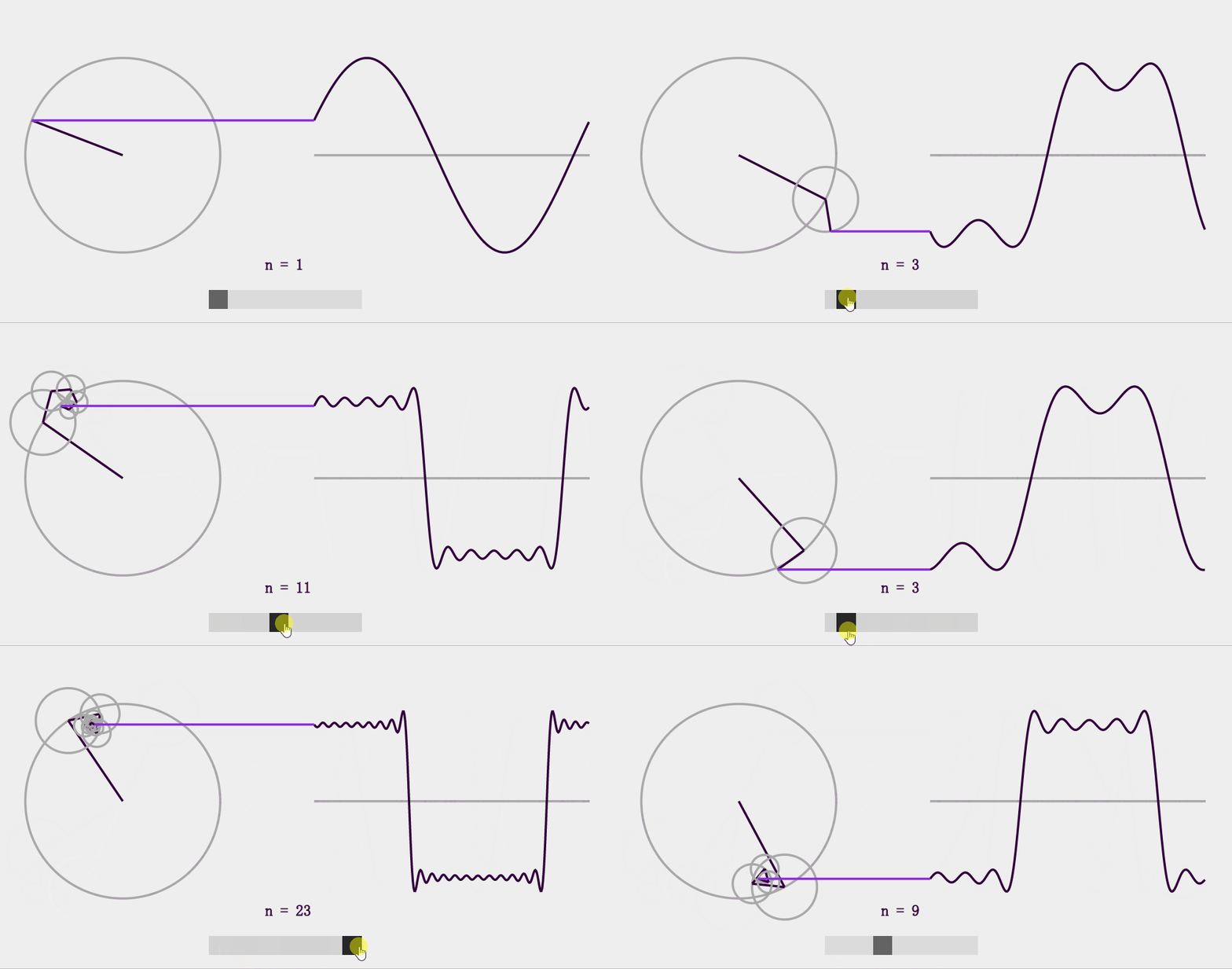
For Fourier Series Visualization, we've already practiced the JavaScript (React) version:
And the Unity version:
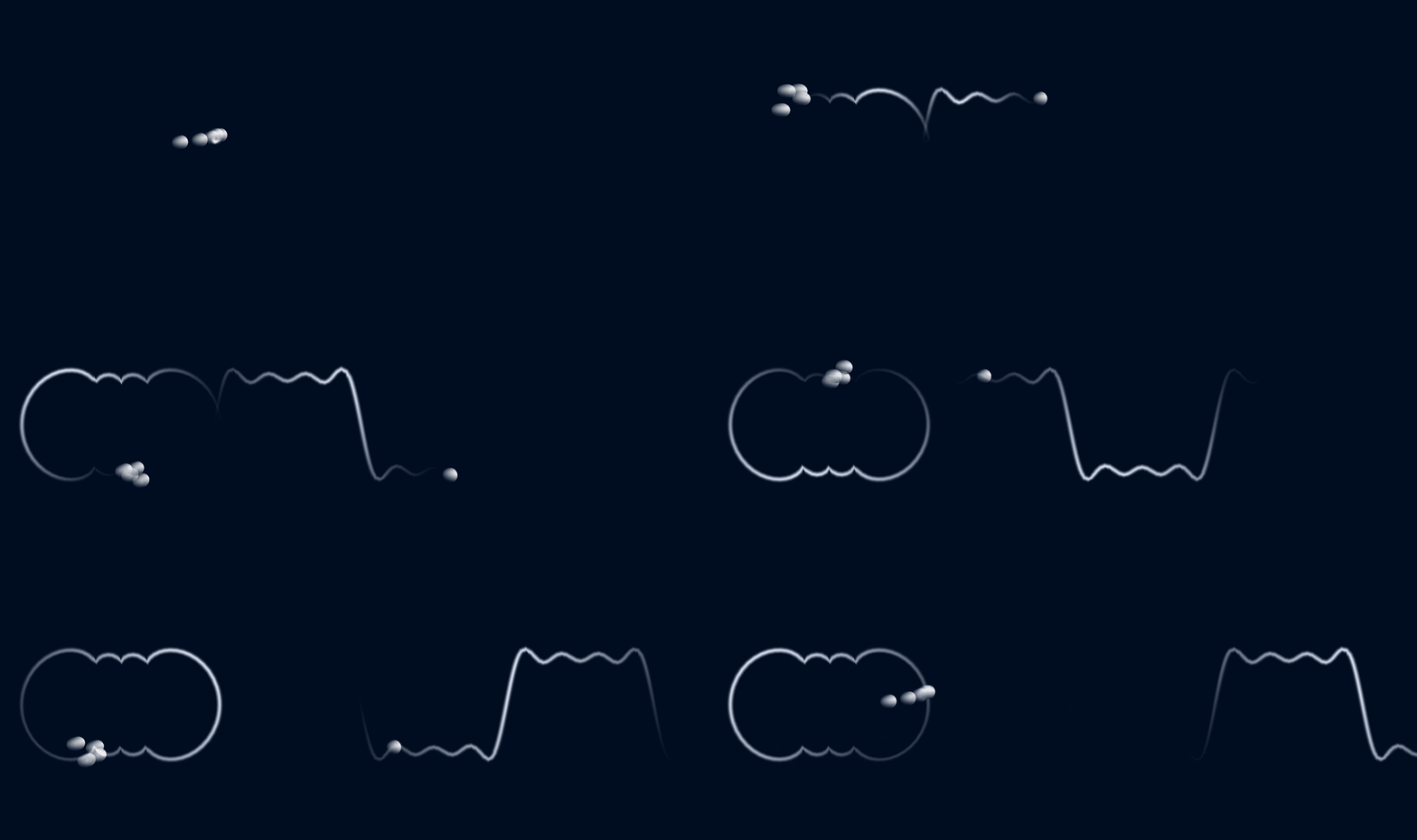
Now it's Python's turn again.
Choosing a Playground
In the previous trigonometric function chapter (Python Trigonometric Function Visualization), I used Jupyter Notebook as my Python development environment/playground. It's a web-based online Python environment that supports near-real-time coding — write and see results immediately, with mixed code and documentation.
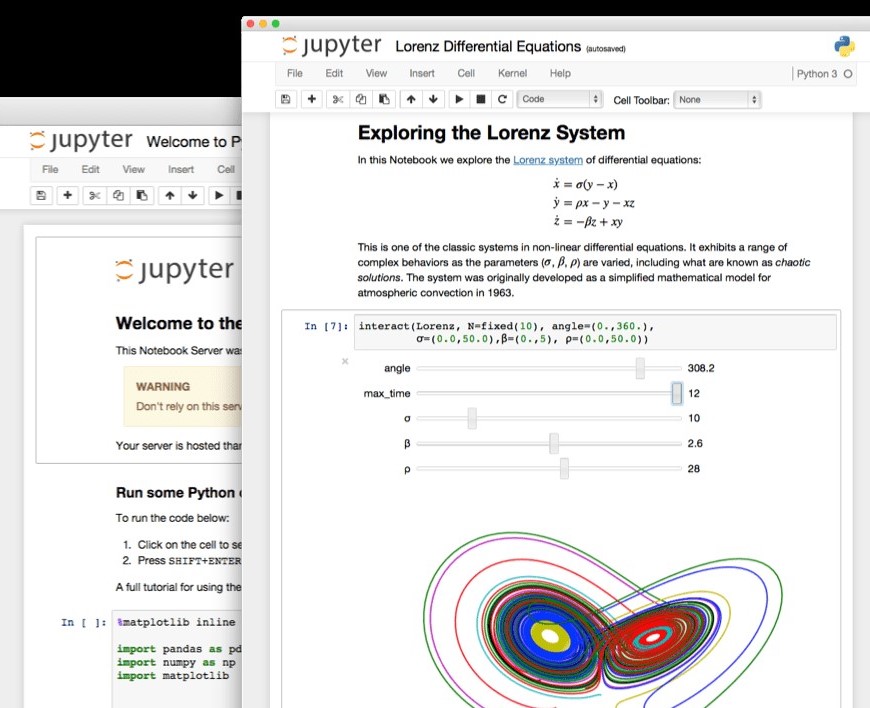
This makes things easier — no need to worry about setting up a local Python environment or handling graphical rendering. Focus on writing Python code first, and see results directly in the browser.
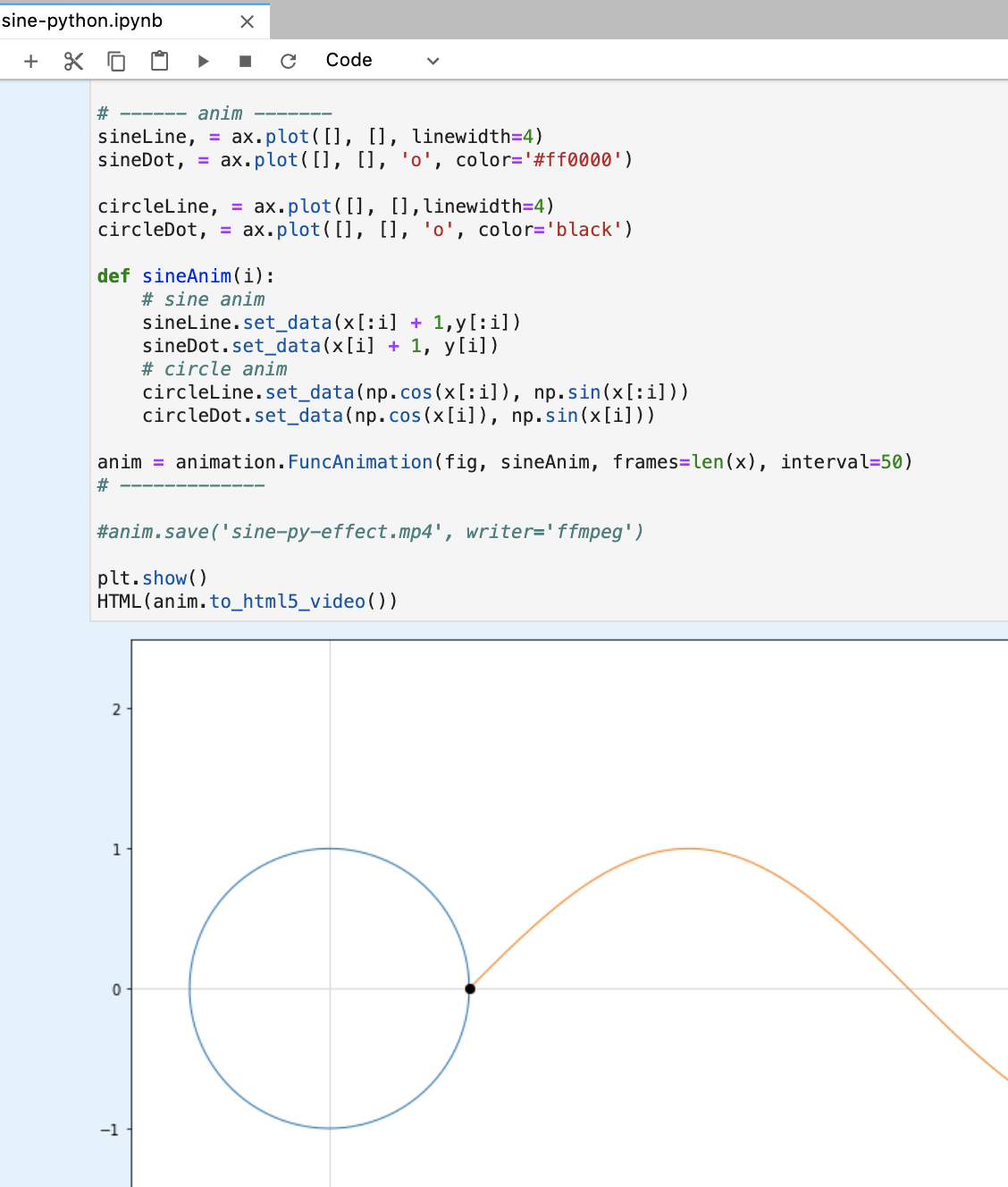
Jupyter is great, but still not wild enough. For richer visualization effects beyond just plotting formula curves, Jupyter has some limitations.
I needed a Python runtime environment that doesn't require worrying about graphics rendering internals while still having powerful and robust rendering capabilities. Blender and TouchDesigner are two software options that fit this criteria.
Blender

Blender is an open-source 3D content creation software, comparable to 3D Max, Maya, etc. It's compact yet powerful, cross-platform. See its official website for details: https://www.blender.org/
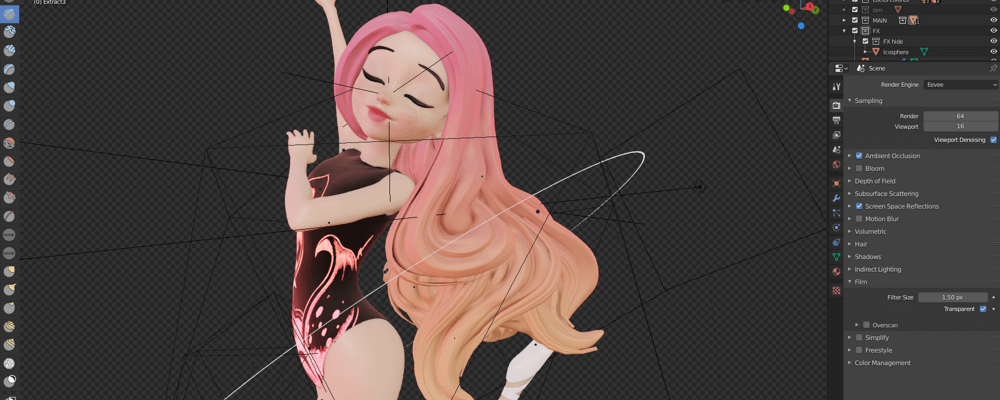
Blender's ecosystem is built on Python — plugins, extensions, and advanced customizations are all written in Python. (It can actually make real-time interactive games too, similar to Unity in that regard, though Blender focuses more on 3D content creation.)
TouchDesigner
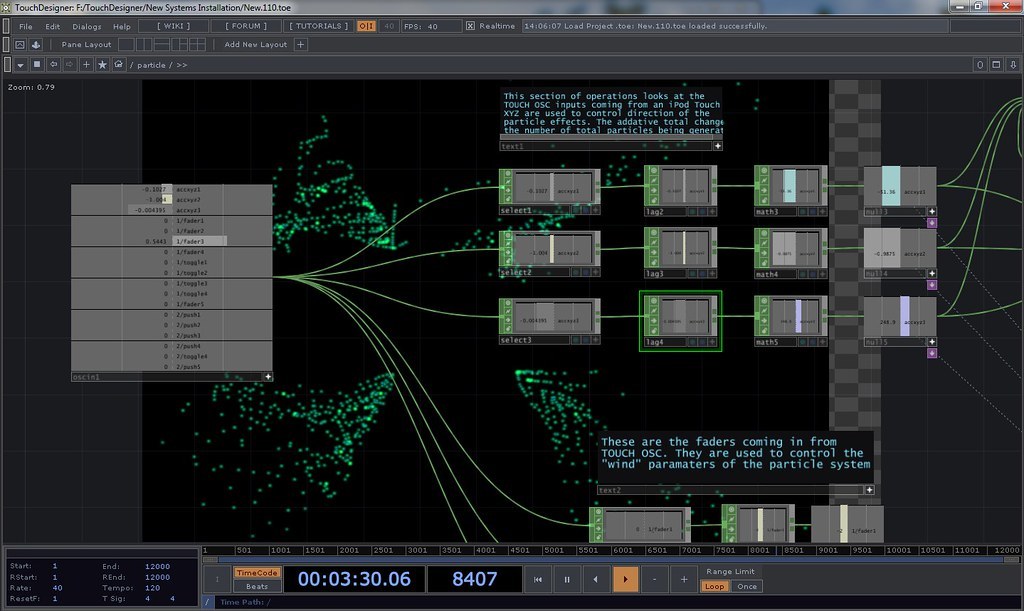
TouchDesigner is a visual programming tool, comparable to other node-based tools like MaxMSP and vvvv. TouchDesigner's scripting language is also Python.
For me, MaxMSP covers my node-based programming needs for now. I'll check out TouchDesigner when it gets hot.
So this time I'm using Blender as the Python programming playground.
Hello World
First, download Blender 2.80 from the official website. Mac, Windows, and Linux are all supported.
Starting from version 2.80, Blender had a massive update. How massive? I'm not sure either — the last time I used Blender was over a decade ago with version 2.4x, when I tried parametric architecture generation with Python. Anyway, I'm treating 2.80 as new software.
After installing 2.80:
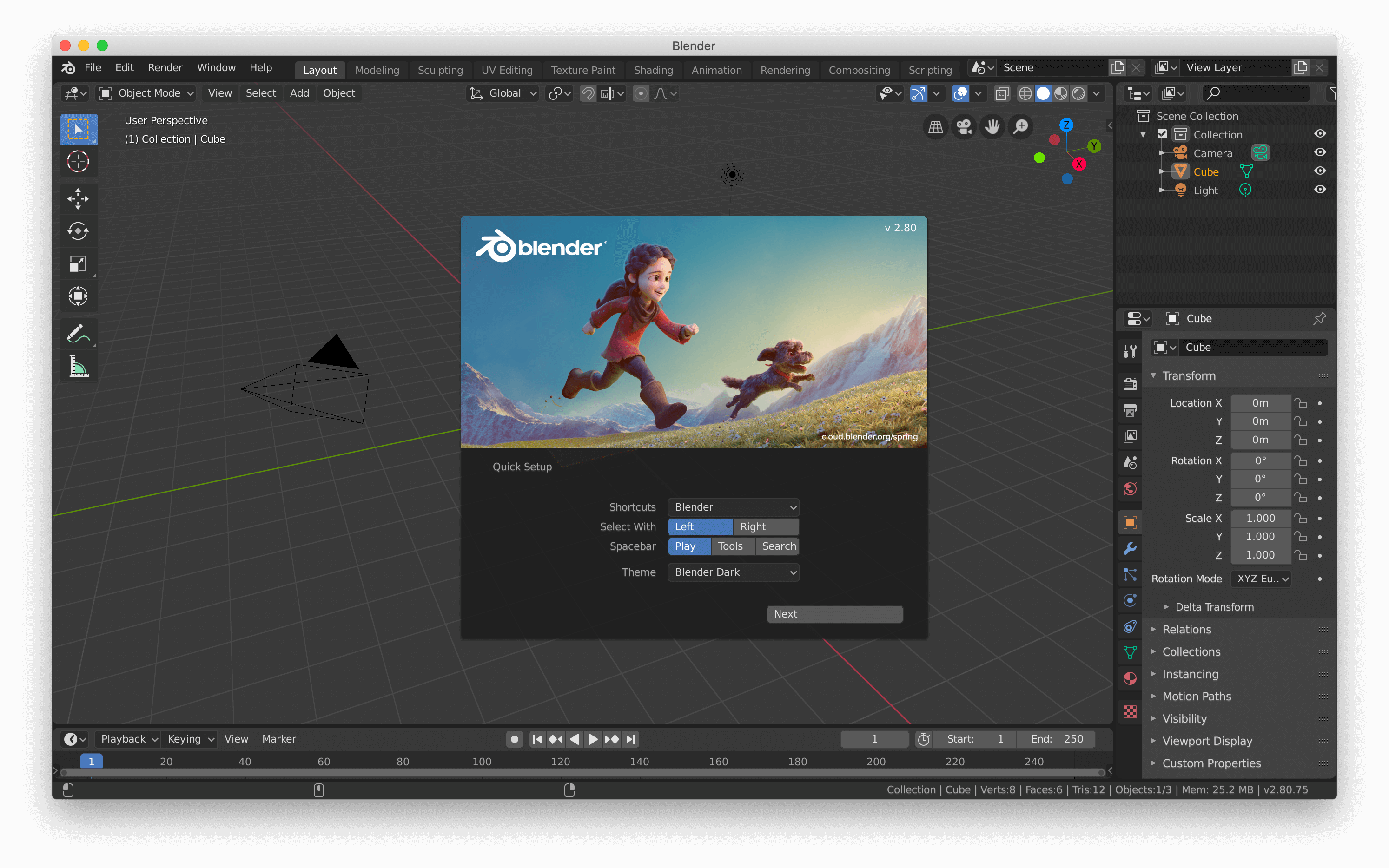
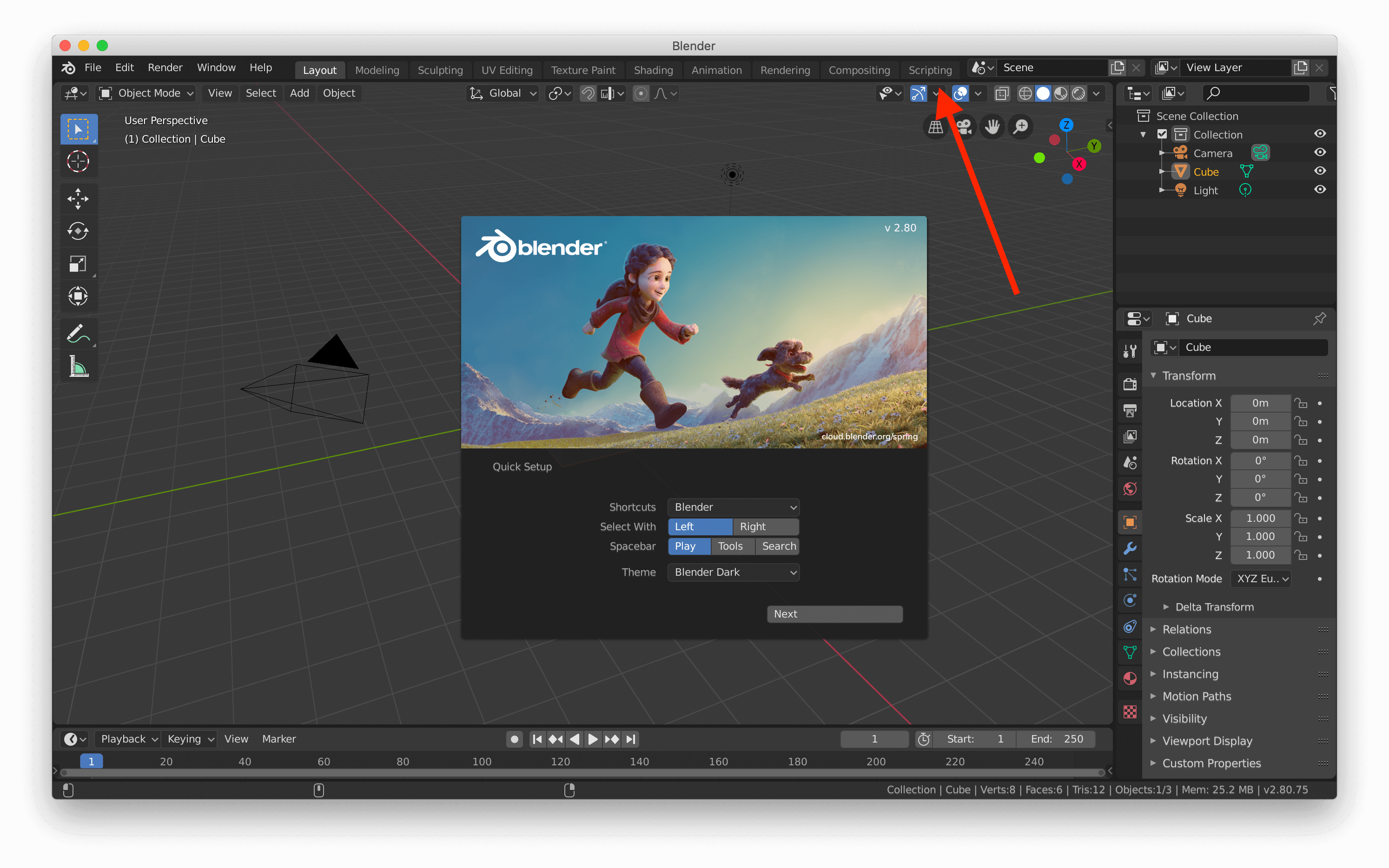
It has tons of features — modeling, texturing, animation, rendering, etc. I still don't know how to use most of them. Check the official tutorials.
Let's go straight to Scripting to run Python.
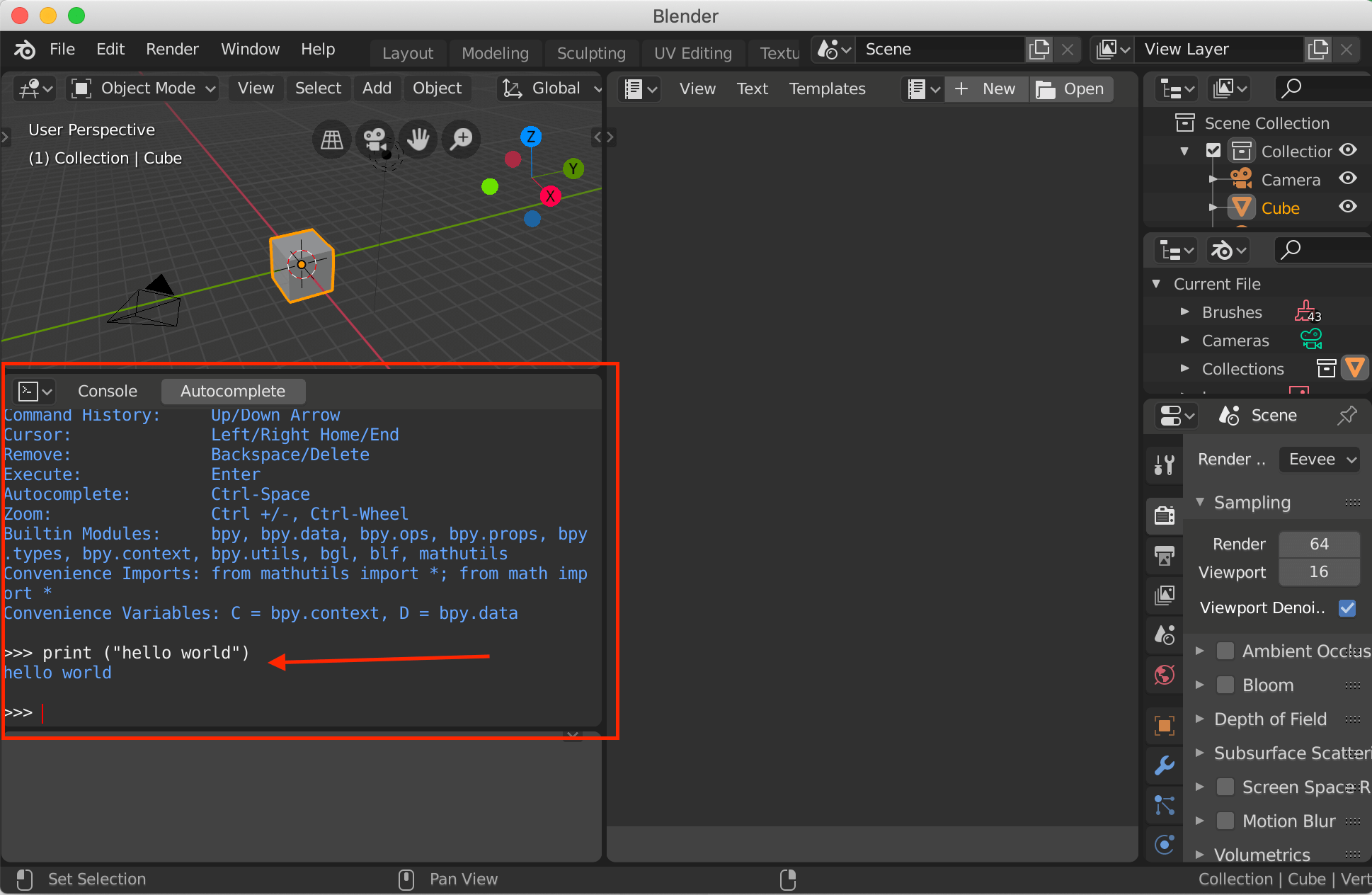
In Scripting there's a Console — ready to use out of the box. Just type Python code directly. The classic hello world:
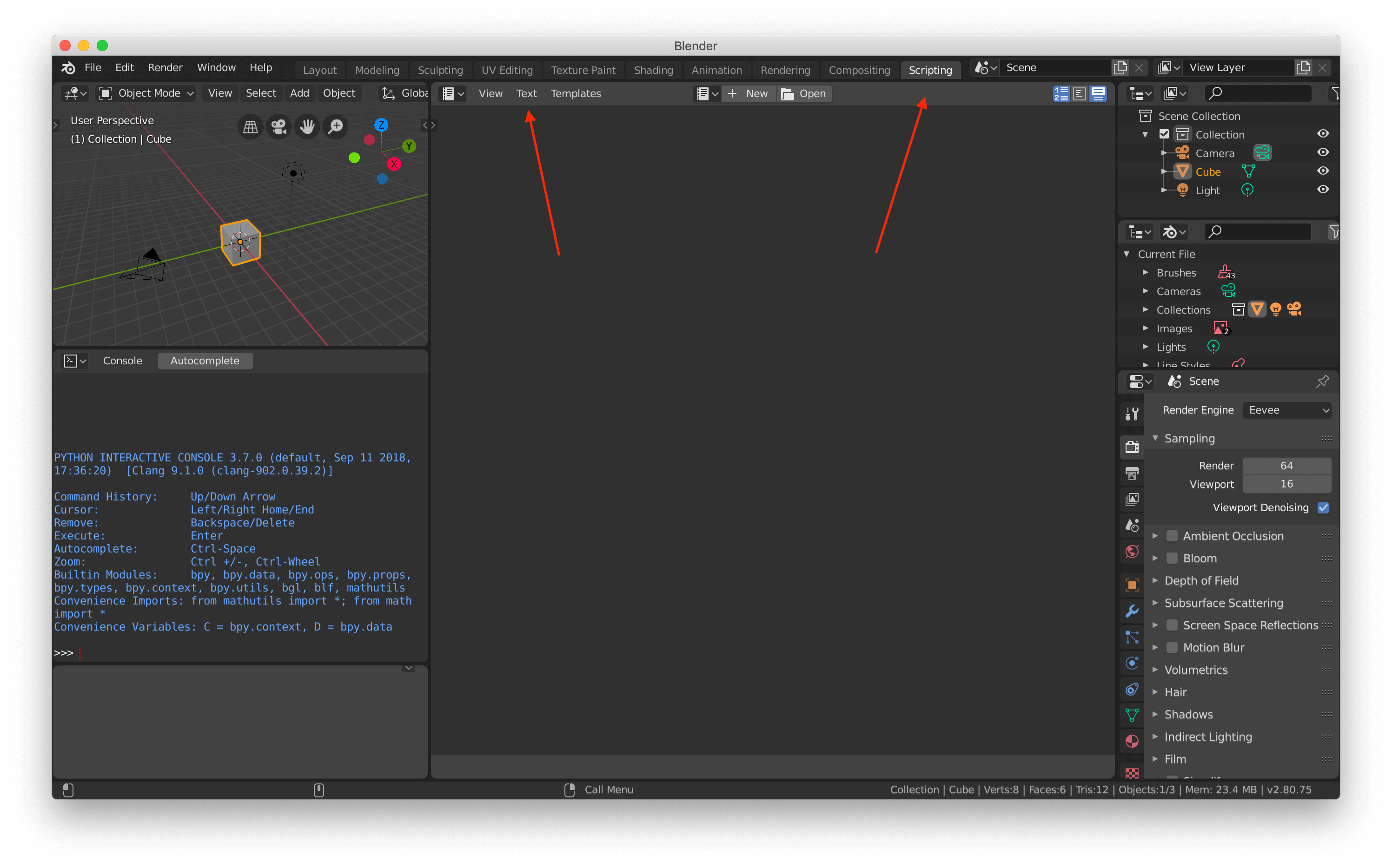
Writing only in the Console is inconvenient. Click on Text — it's actually a code text editor. Click New to start:
Try hello world again:
print ("hello world from Text Editor")
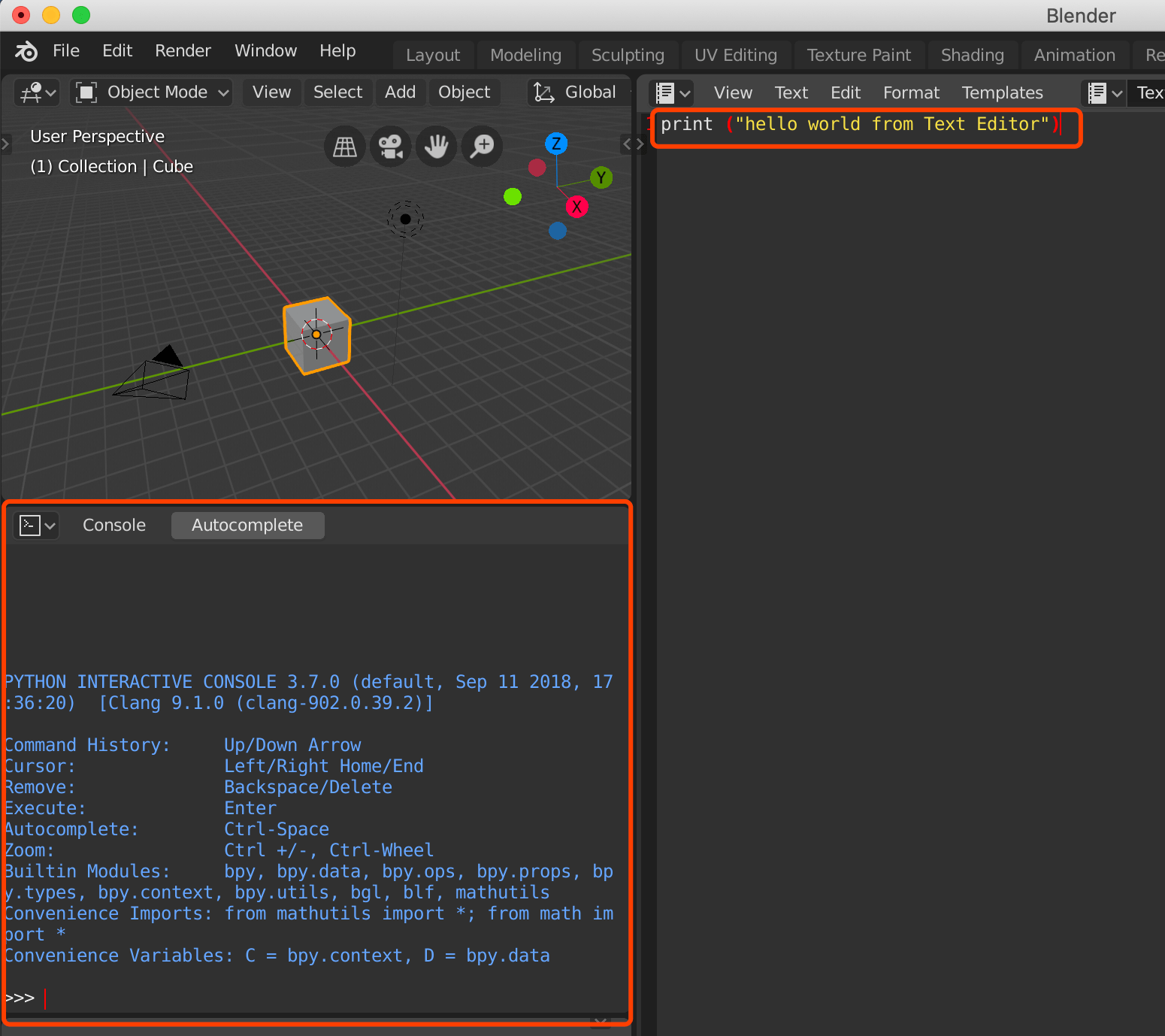
After entering code and clicking Run Script, you'll notice the built-in Console on the left doesn't show "hello world from Text Editor."
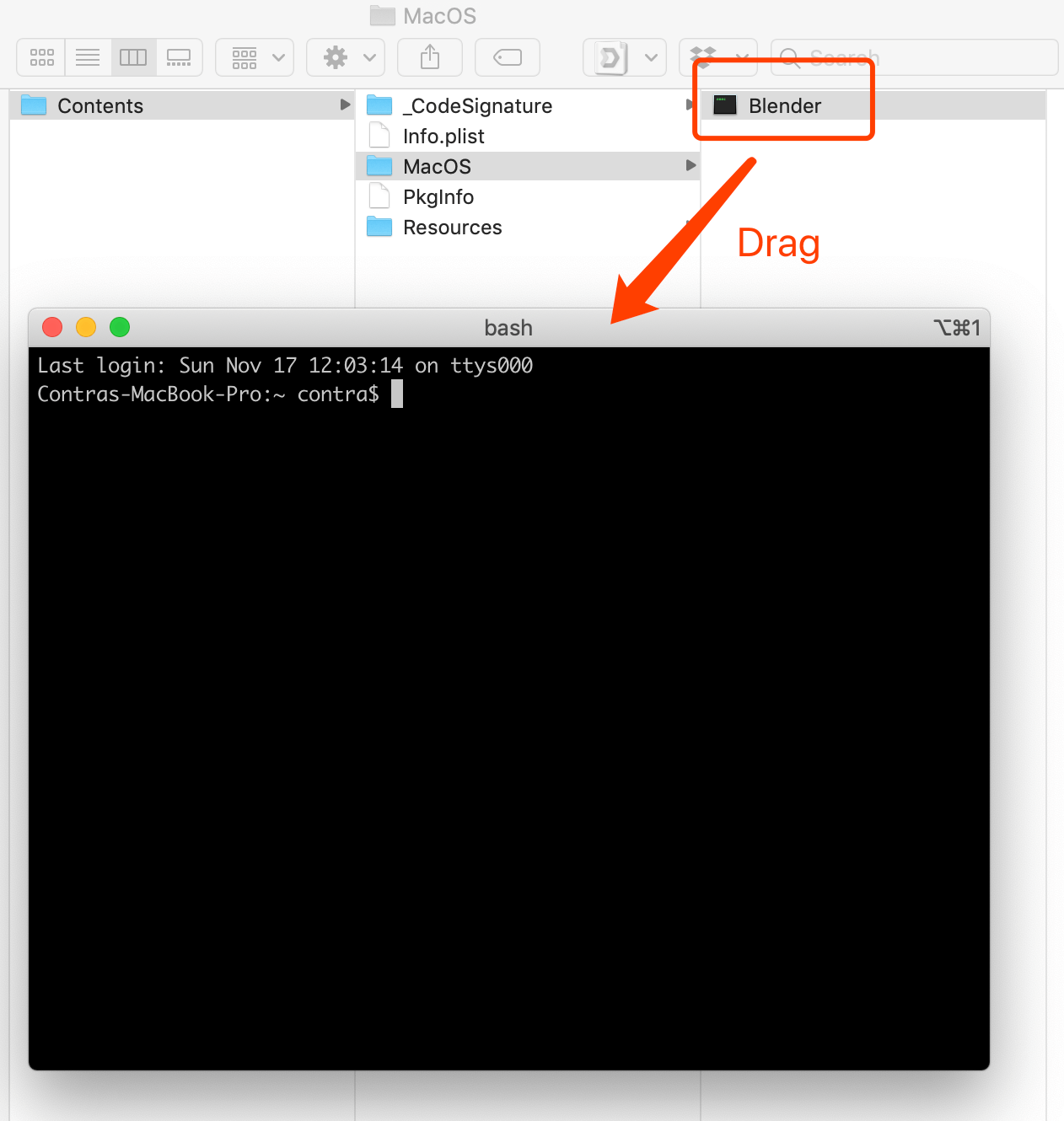
To debug Text Editor code, you need to open the OS system Console. Here are the official tips: https://docs.blender.org/api/current/info_tips_and_tricks.html#use-the-terminal
For Blender on Windows, simply enable the system Console from the Help menu.
For Mac, first open Terminal (close Blender if already open), then launch Blender from Terminal:
- Open Terminal
- Right-click Blender(.app) in Applications, select "Show Package Contents"
- Find Contents->MacOS->Blender
- Drag 'Blender' into the Terminal window
- Press Enter
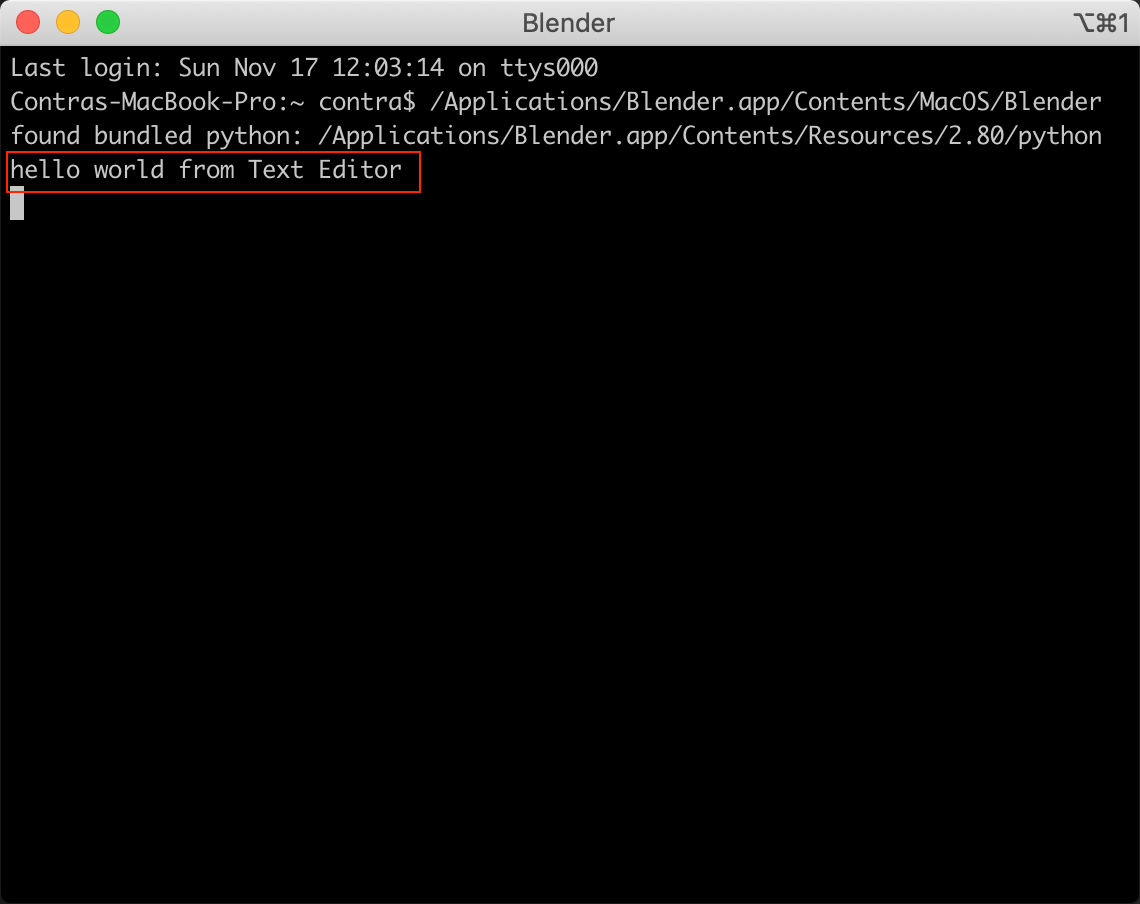
With the system Terminal open, re-enter print ("hello world from Text Editor") in Blender Scripting's Text, then Run Script — you'll see the output in Terminal:
Grease Pencil
Grease Pencil is a new feature in Blender 2.80 — a special Blender object that lets you draw 2D graphics in 3D space, create traditional 2D animations, cutouts, motion effects, and even storyboards.
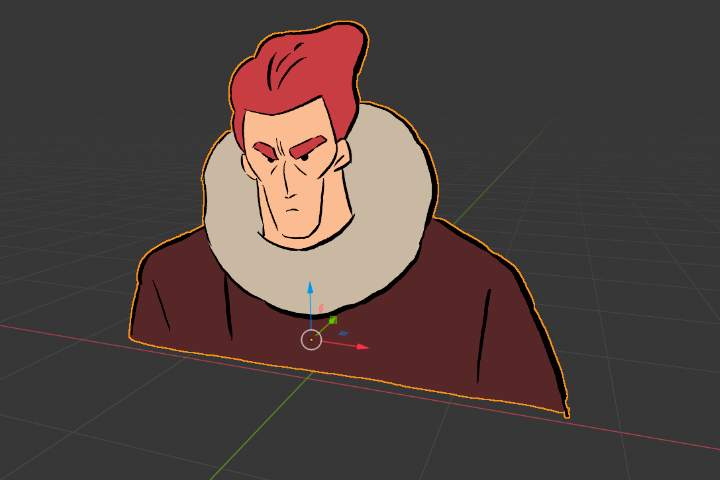 An example of a Grease Pencil object in the 3D environment.
As mentioned earlier, Blender is deeply integrated with Python — virtually all software operations have corresponding Python APIs. After all that buildup, the summary is:
Use Python in Blender to call the Grease Pencil API for 2D graphics drawing.
It's similar to drawing with code in Processing and p5.js, but with access to Blender's powerful features — like using menus to modify textures and materials of code-drawn objects. In that regard, it's a bit like Unity.
Going deeper into Grease Pencil would take us too far off track. References listed here:
Grease Pencil official introduction: https://docs.blender.org/manual/en/latest/grease_pencil/introduction.html
Blender Python official docs: https://docs.blender.org/manual/en/dev/advanced/command_line/index.html https://docs.blender.org/manual/en/dev/advanced/scripting/introduction.html
Blender & Grease Pencil API official docs: https://docs.blender.org/api/current/
Blender 2.8 Grease Pencil Scripting and Generative Art https://towardsdatascience.com/blender-2-8-grease-pencil-scripting-and-generative-art-cbbfd3967590
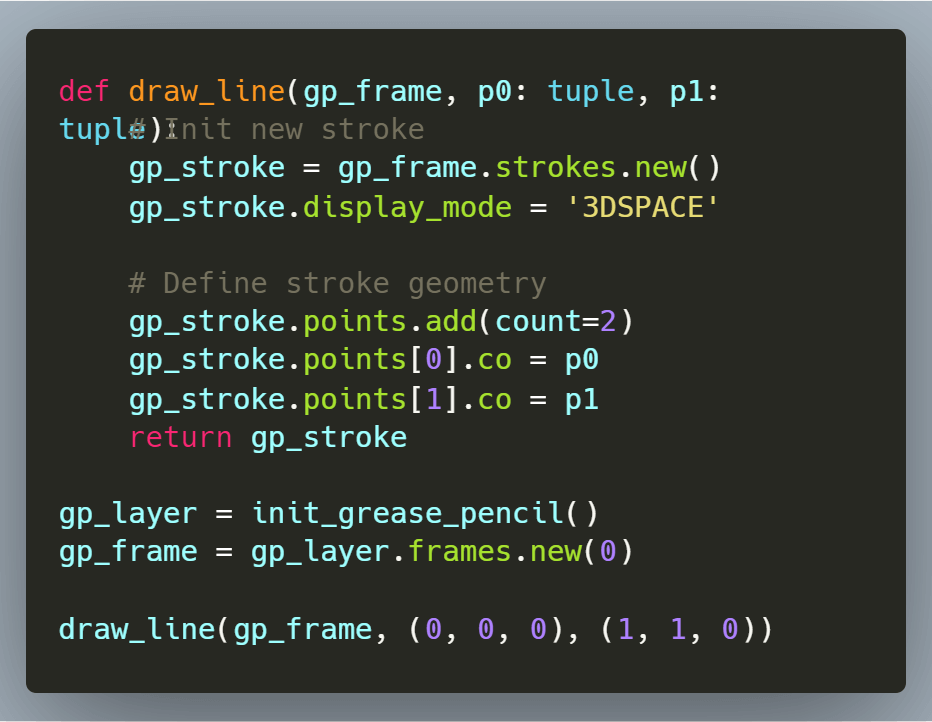
Note the bolded resource above — the author wrapped common drawing functions. Here's an excerpt (see the original for details).
For example, a draw_line function to draw a line between two points:
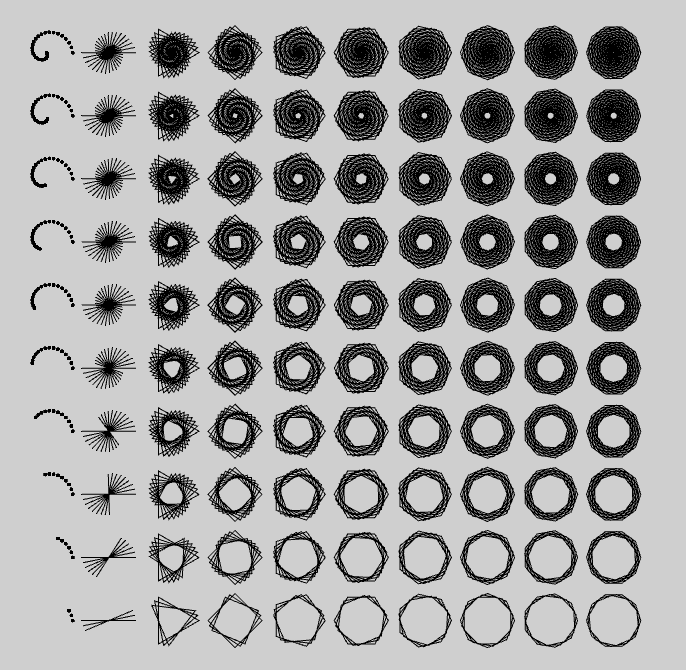
Then drawing circles, curves, etc.:
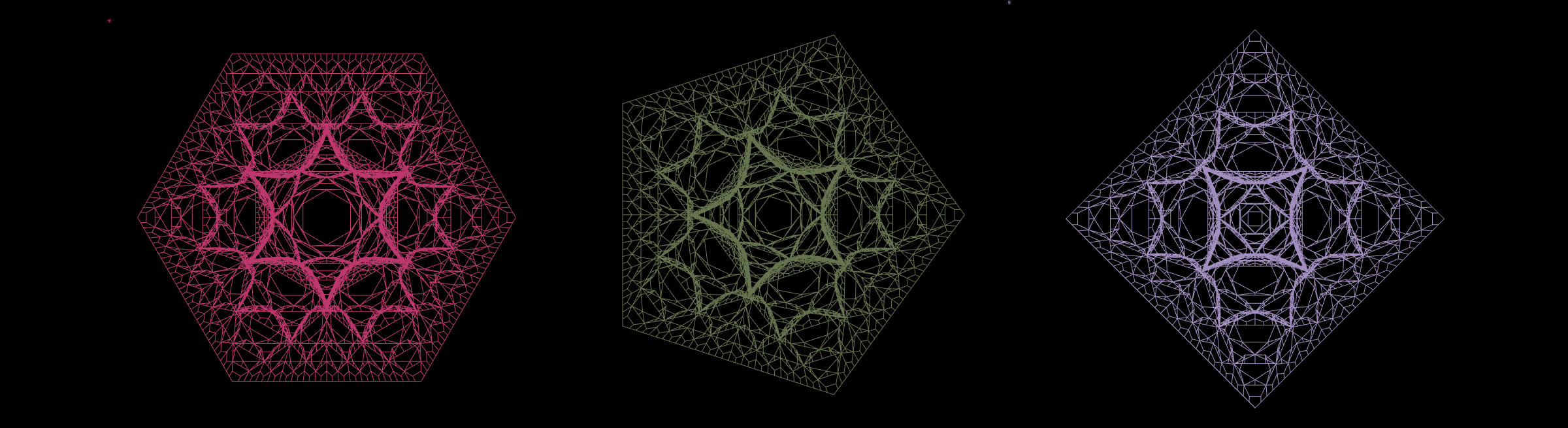
Then leveraging Blender's core 3D features, applying materials to drawn objects:
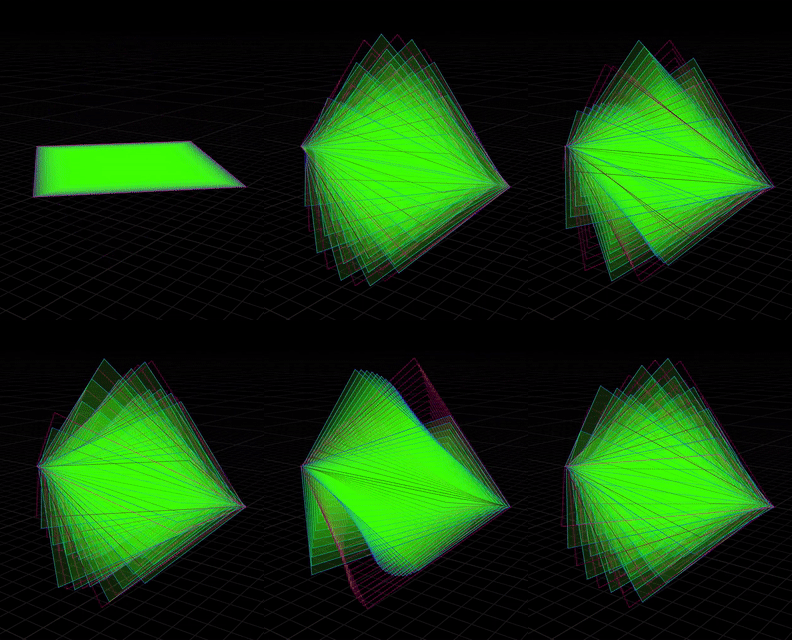
You can even combine it with Blender's Animation features:
Fourier Series
Finally back to the main topic...
A quick review of the simplified Fourier series formula:
For math learning notes on Fourier series, see JavaScript (React) Fourier Series Visualization.
Writing the formula logic in Python and calling the Blender Grease Pencil API for rendering:
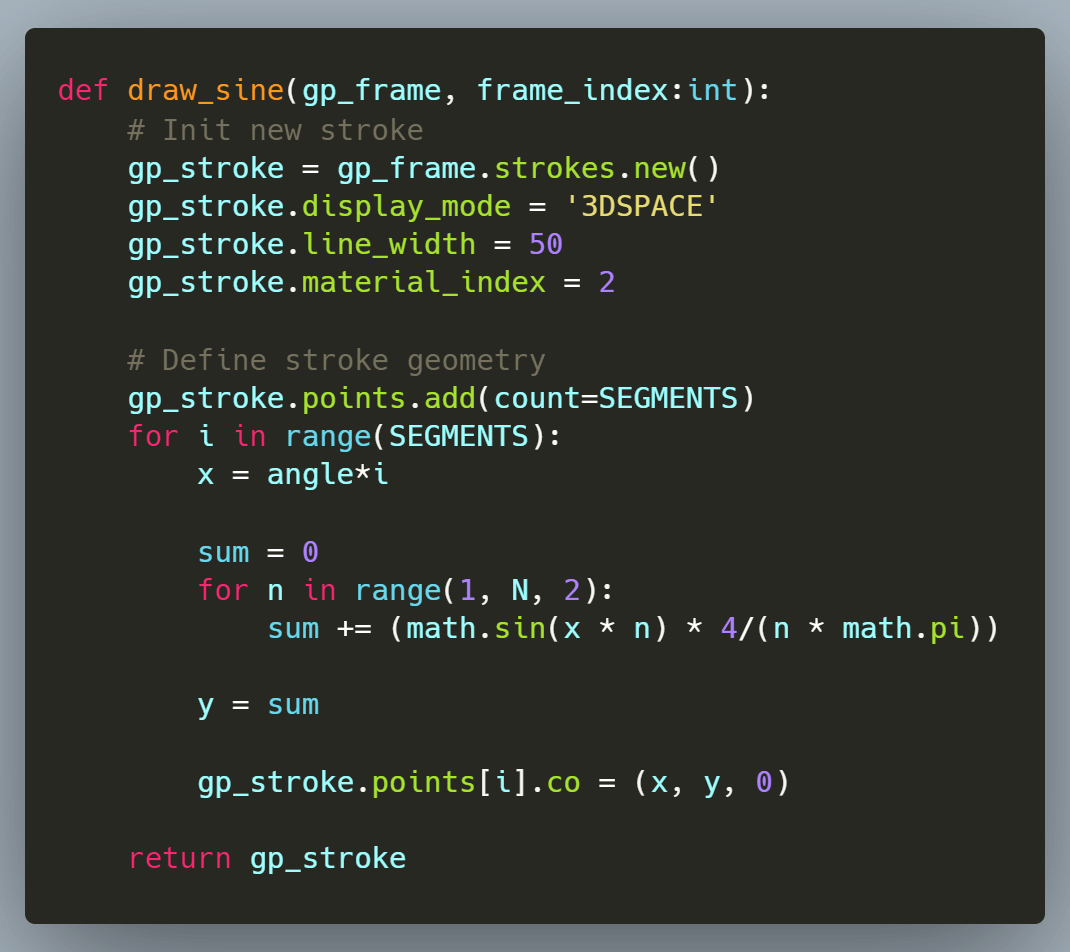
Full code available below.
Final result:
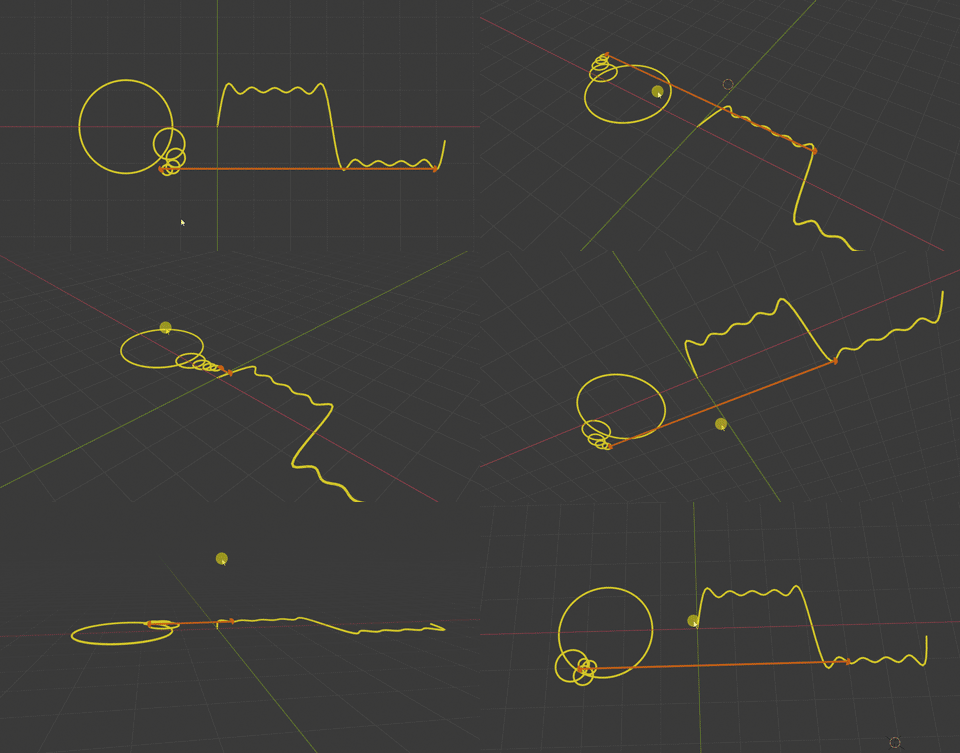
Remember — Grease Pencil actually draws 2D graphics in 3D space:
References
[Coding Druid - Math Chapter] Python Trigonometric Function Visualization
[Coding Druid - Math Chapter] JavaScript (React) Fourier Series Visualization
Talk is cheap. Show me the code!
The code for this and most of the [Coding Druid] series is open-sourced here: https://github.com/avantcontra/coding-druid
Follow us on social media: code2art
Community resources & courses: https://ghc.h5.xeknow.com/s/hzkMX
code2art Intelligence Center (membership): https://ghc.h5.xeknow.com/s/2BCFuJ
Cheers🍻
Contra